Zendesk Integration
Used for: Triggers and Publishing
Promptless integrates with Zendesk through OAuth 2.0, enabling automated documentation updates based on support ticket patterns and customer interactions, as well as publishing updates to Zendesk’s Help Center.
Installation
-
Click “Connect Zendesk” from the integrations page.
-
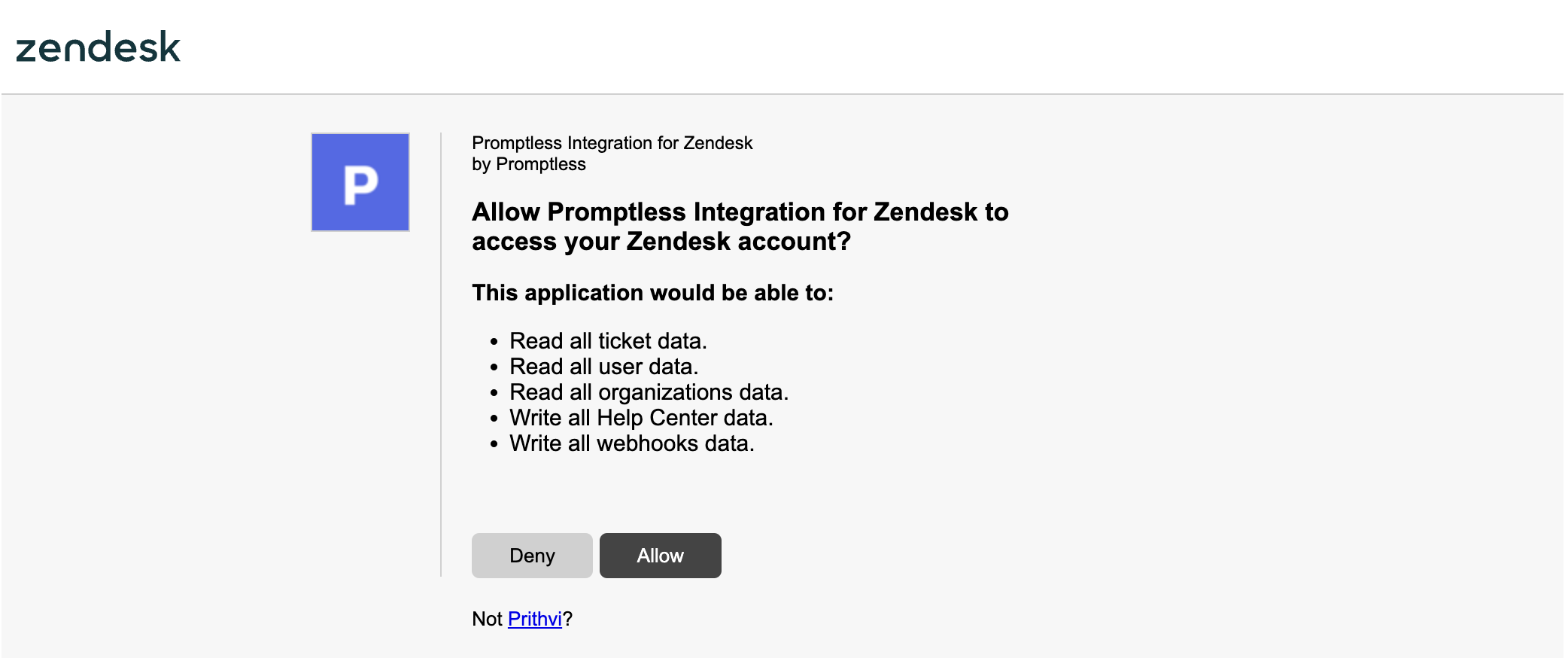
Review the requested permissions and approve the Promptless app.
- Verify that Zendesk is connected in the integrations page.
Authentication Model
Promptless uses Zendesk’s official OAuth 2.0 authentication, which provides:
- Secure token-based authentication
- Granular API access scopes
- Ability to revoke access at any time
- Regular token rotation for enhanced security
What You Can Do with Zendesk
Once connected, you can use Zendesk for:
- Triggers: Monitor resolved support tickets for documentation gaps (Beta)
- Doc Collections: Publish documentation updates directly to your Zendesk Help Center